Portfolio
I used to build a custom GPT for everything I needed. Hundreds of them. It just became a habit. Now I build apps the same way. GPTs feel like kindergarten compared to what you can do with AI these days. Crazy how fast things are moving.
Portfolio added April 2026Three Portfolio Pieces in One
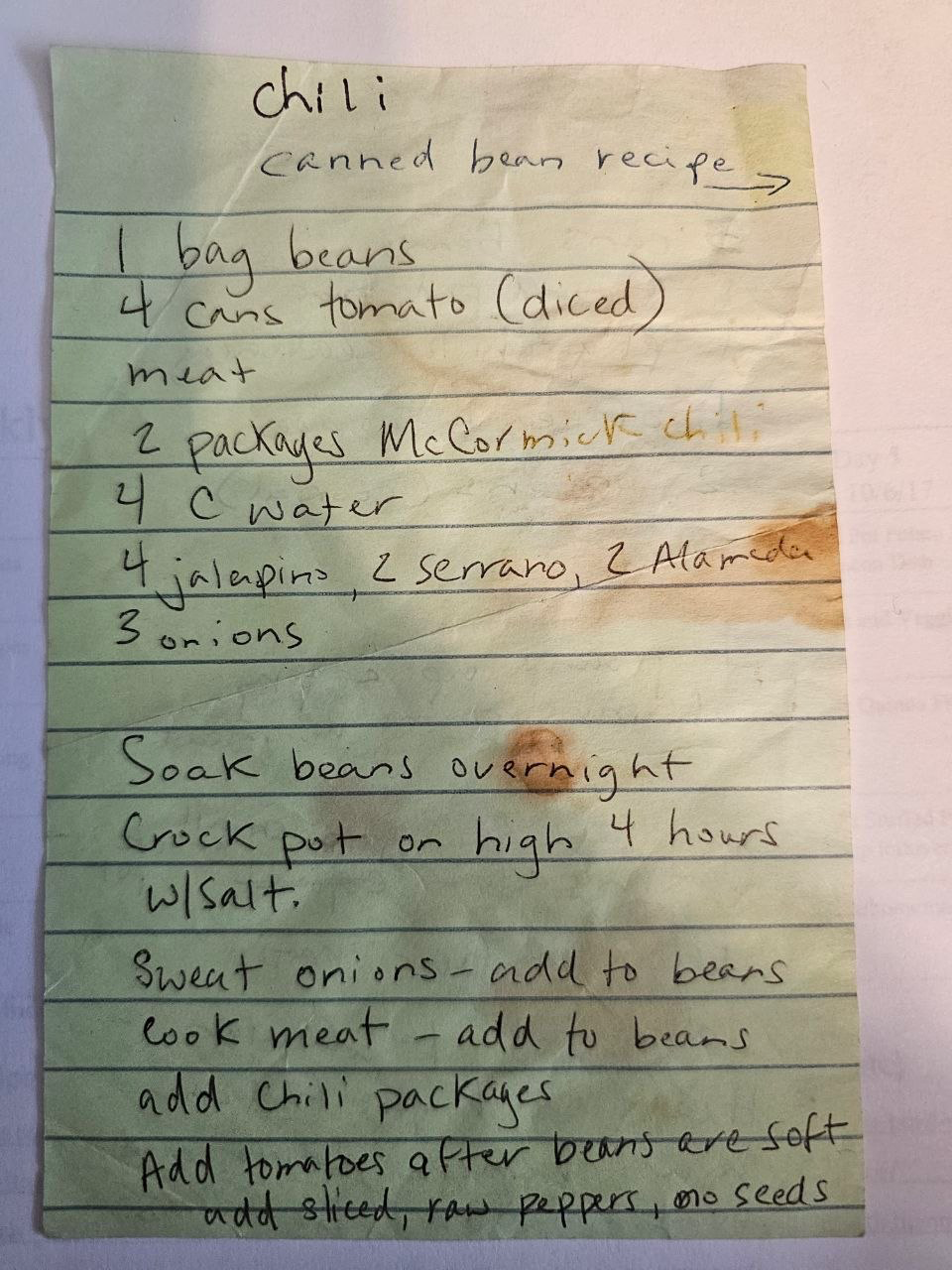
My recipes were all over the place. Handwritten cards, screenshots, browser bookmarks, texts to myself. Nothing existed for home cooks who have been collecting recipes for twenty years. Every app assumed you'd be entering recipes from scratch. I wasn't. I had a pile.
So I built an app that reads handwritten cards from a photo, imports from a URL, takes a voice memo, and lets you talk to an AI to figure out what's for dinner from what you have on hand.
App - Built for a Group
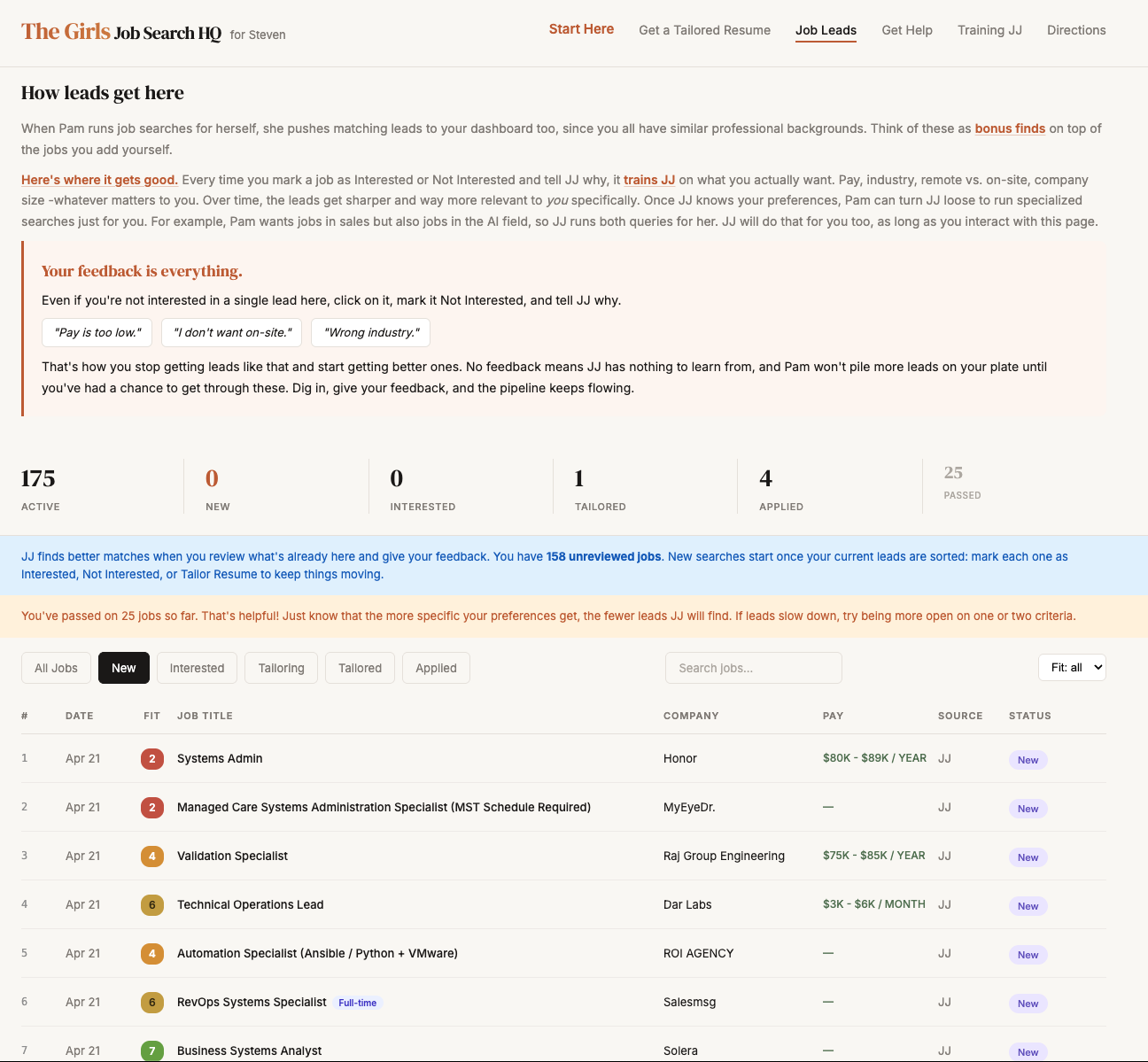
After a group of friends were laid off last summer, I built them a private job search dashboard. A skill I built scrapes the internet for positions that match their backgrounds and populates the dashboard automatically - so instead of scrolling job boards, they just show up and react to what's already there.
Every lead gets an AI fit score. Mark one interesting and tell JJ why - it learns their preferences and sharpens future results. When they're ready to apply, one click tailors a resume and cover letter to that specific job.
App - Live Demo Available
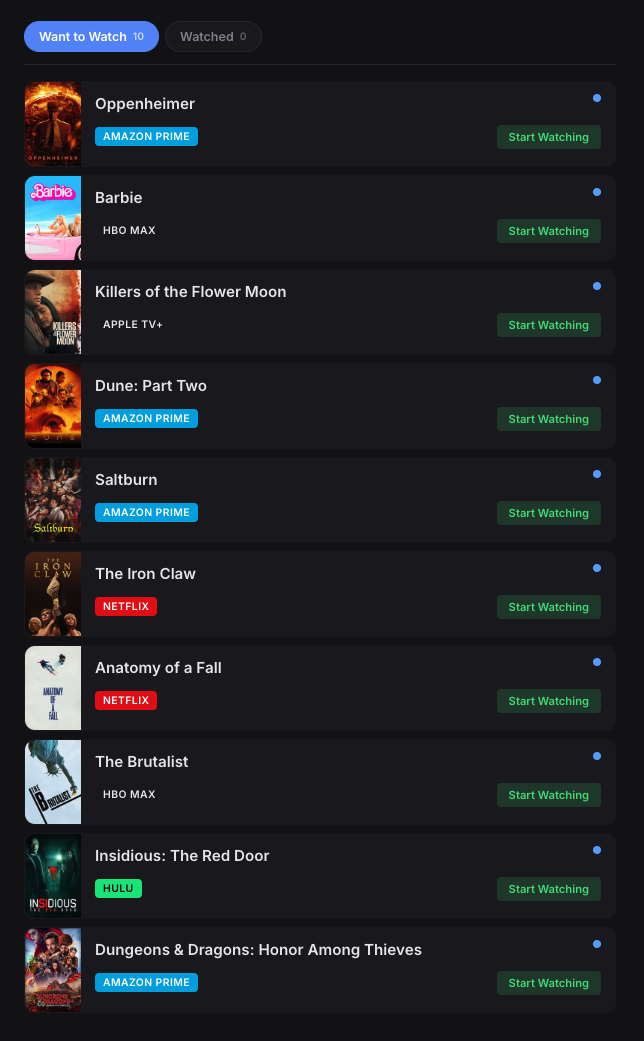
Friday night, can't remember which series I was in the middle of or which platform it was on. My sisters are recommending things in the family group chat and I have nowhere to put them. So I built one app that tracks everything across every platform.
Platform badges show where each title lives. Mark something started and it moves to Currently Watching. A built-in assistant lets you ask what to watch or add titles just by talking to it.
Tool - Live
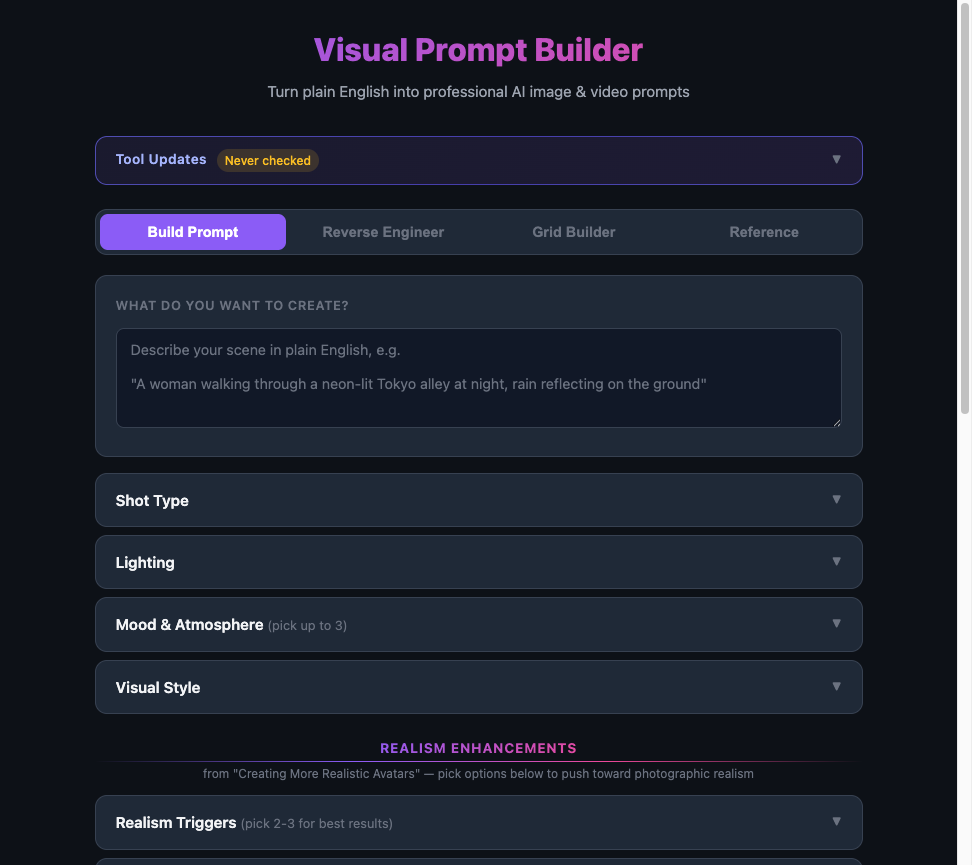
Writing prompts for AI image and video generation is a skill in itself. The difference between a generic result and a professional one comes down to knowing the vocabulary - shot type, lighting, mood, realism triggers. I built a tool that turns plain English into professional AI prompts so you don't have to memorize the terminology.
Four modes: Build Prompt, Reverse Engineer an existing image, Grid Builder for batch prompts, and a Reference library. Built during the AI video course I was taking at the time.
Dashboard - Internal Tool
I was using Claude across five projects at once and had no idea how much I was spending where. The Anthropic usage page shows totals. I needed to know which projects were costing the most and whether I was getting the return.
Built a dashboard that pulls my API usage data, breaks it down by project and model, tracks cost over time, and shows me which sessions were expensive and why. I ran 325 sessions and 4 billion tokens through it in the first 30 days.
Dashboard - Personal Command Center
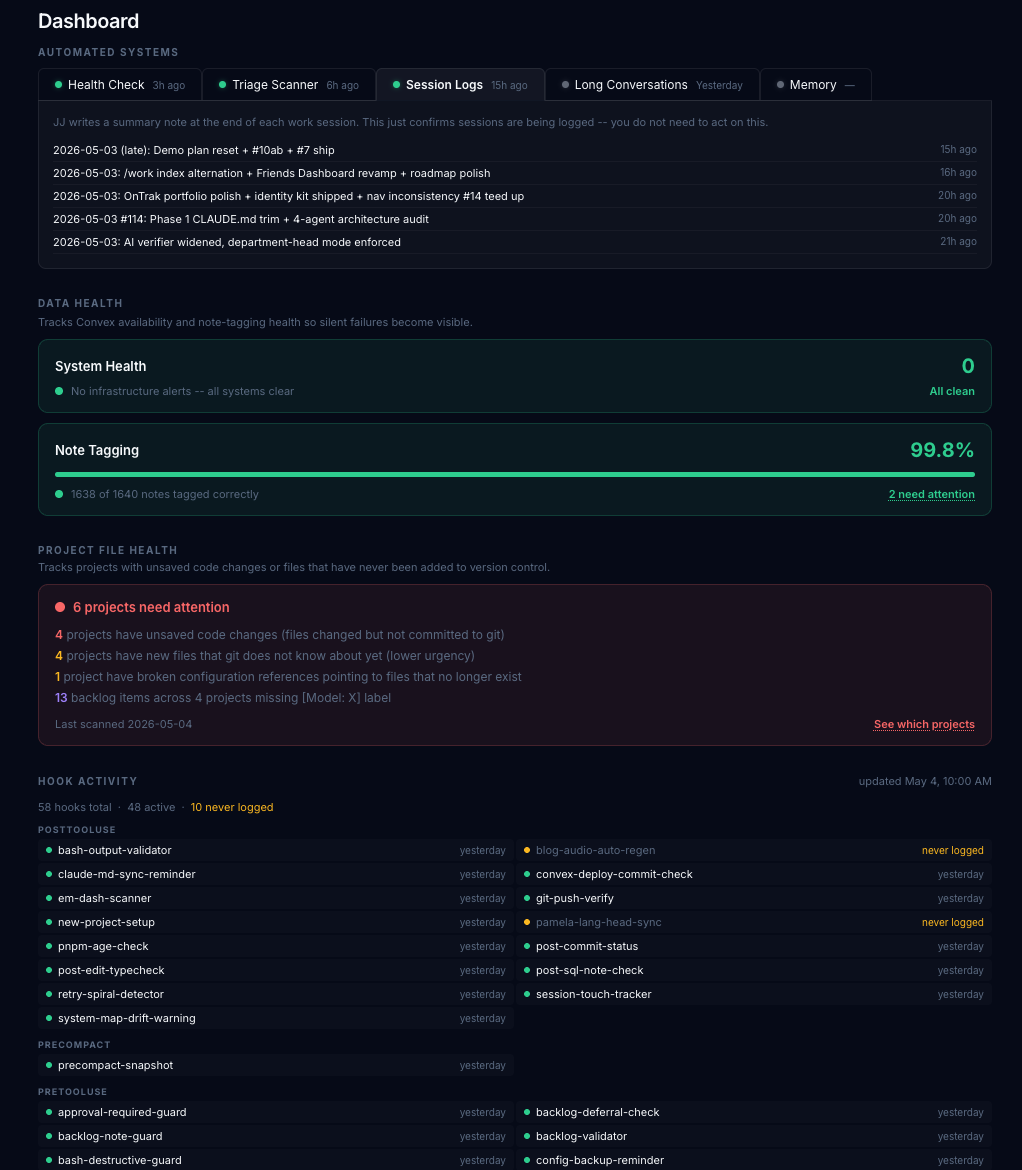
I was managing six active projects, a job search, a blog, a recipe app, a job dashboard I was building for someone else, and my own daily routines. Every morning I was opening ten tabs to get oriented. I needed a single view that showed me everything at once, without me having to go looking for it.
Built a personal dashboard that pulls status from all my projects, surfaces open backlog items, shows journal themes, and gives me a single starting point every morning. It replaced ten tabs with one.
Content System - Engineered in Public
Most people treat a blog as something you publish when you have time. I'm treating mine as a system to engineer. Research pipeline, image generation with character consistency across posts, audio narration that auto-syncs when content changes, Convex as the backend with a custom HTTP API so there's no CMS to manage.
The posts are real. The system behind them is the portfolio piece. You're looking at it being built in real time.
Enterprise Tool - Built at Ontrak (2022-2025)
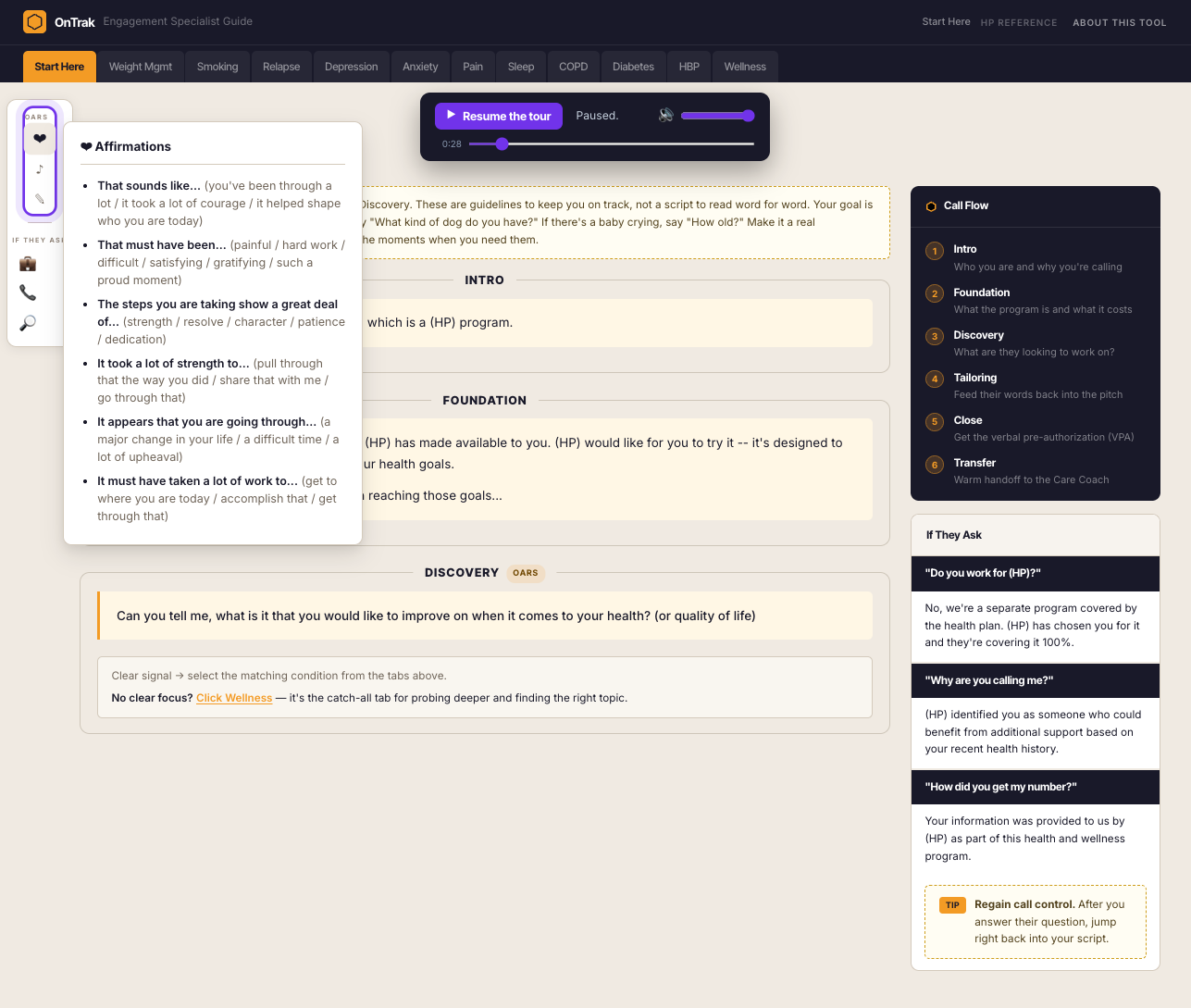
Ontrak had hundreds of health coaches making member activation calls. The call structure was documented somewhere. Most coaches weren't using it, or were using an old version, or had their own version. There was no single source of truth that coaches could actually open mid-call.
I built a digital call guide that walked coaches through the activation conversation in real time, surfacing the right language at the right moment. Rolled it out across the team. Ontrak closed in 2025. The methodology holds.
Seven builds. Seven versions of the same instinct: identify friction, design the fix, ship it, iterate. That is not a side project personality. That is how I work. The employers and clients who get the most from me are the ones who need someone who sees the gap before they're told to look for it.