It started with an email.
A friend from a previous job asked if I could help her tailor her resume for a specific position.
She had the experience but wasn't sure how to present it for this particular role.
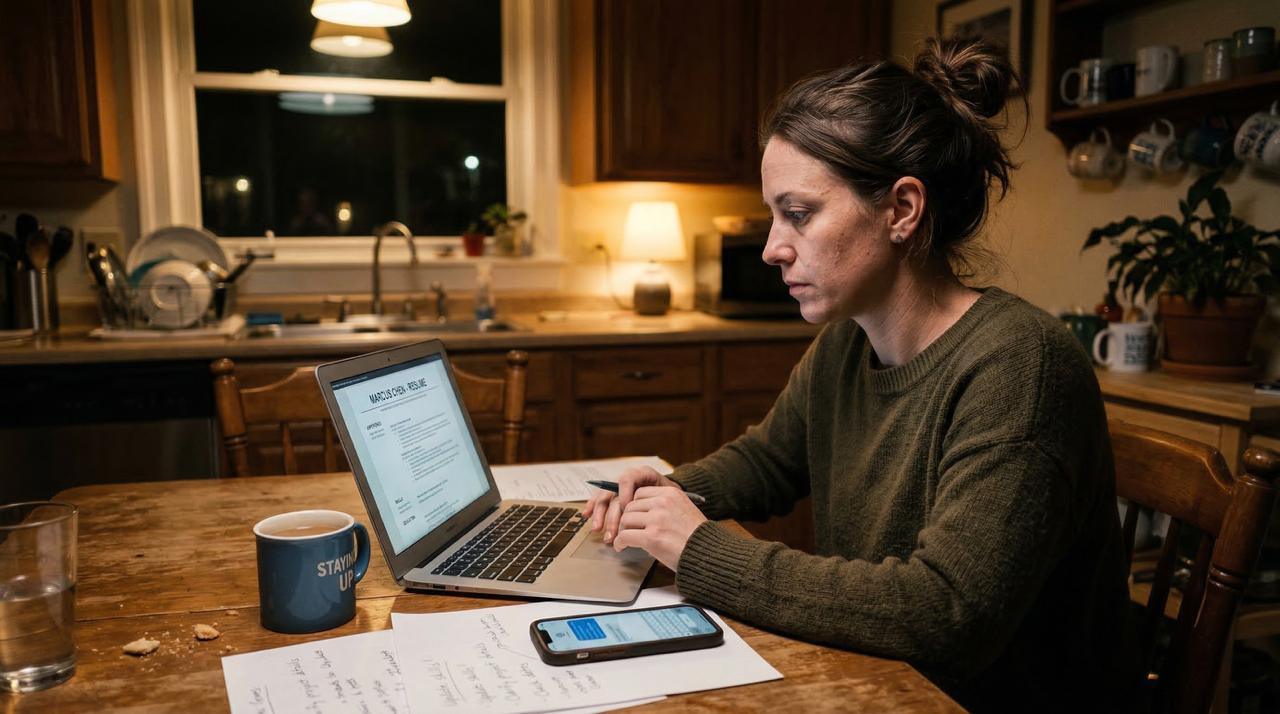
The First Version Lived in My Inbox
We started with a basic email setup instead of a dedicated interface.
I created a specific folder in Gmail just for her, and I set up JJ, my personal assistant bot, to monitor it.
When she emailed a job description into that folder, JJ would tailor the document and email the result back.
If she wanted changes, she'd reply directly to the thread, and JJ would adjust the text and send the next version.
It technically worked, but it was incredibly awkward to manage.
As anyone who has worked with AI knows: training a system on a new skill takes time and plenty of back and forth iterations before it feels refined.
Because we were relying entirely on an email inbox, that natural refinement process quickly hit a wall.
She was trying to work on multiple resumes at the same time, emailing JJ with requests for edits on them.
The email threads got confusing fast and it became obvious that the process demanded a better solution.
Moving from Email to a Dashboard
I decided to build an app.
The system would take her background, the job description, and a set of rules about how to present experience honestly, and then generate a custom resume and cover letter.
It would highlight which keywords matched the job listing and flag any obvious gaps.
But once I had the core tailoring feature working, I kept noticing other missing pieces.
She needed a few things in one place.
- A way to track the specific jobs she was applying to.
- An easy way to download the resume as a Word document or print it as a PDF without installing special software.
- A way to flag a job she was not interested in.
She also needed a way to train JJ.
- If she was interested in a job, why. If she was not, why.
- A place to describe what she did at every job in her own words.
All of this makes JJ smarter over time.
Giving Claude that context meant every tailored version after that came back sharper.
I realized I had to put all of these tools in one place, so I built a five-tab dashboard:
- Job leads.
- Resume tailoring with a live progress checklist.
- A chat interface for career coaching.
- A place to share her background.
- A help section.
Then I decided to set up a background process to scrape the internet for jobs and populate her leads tab automatically.
Not every scraped lead was a fit, so I built an ATS screener into Claude Code that scores the match against each job from one to ten.
Anything below a four gets filtered out before she ever sees it.
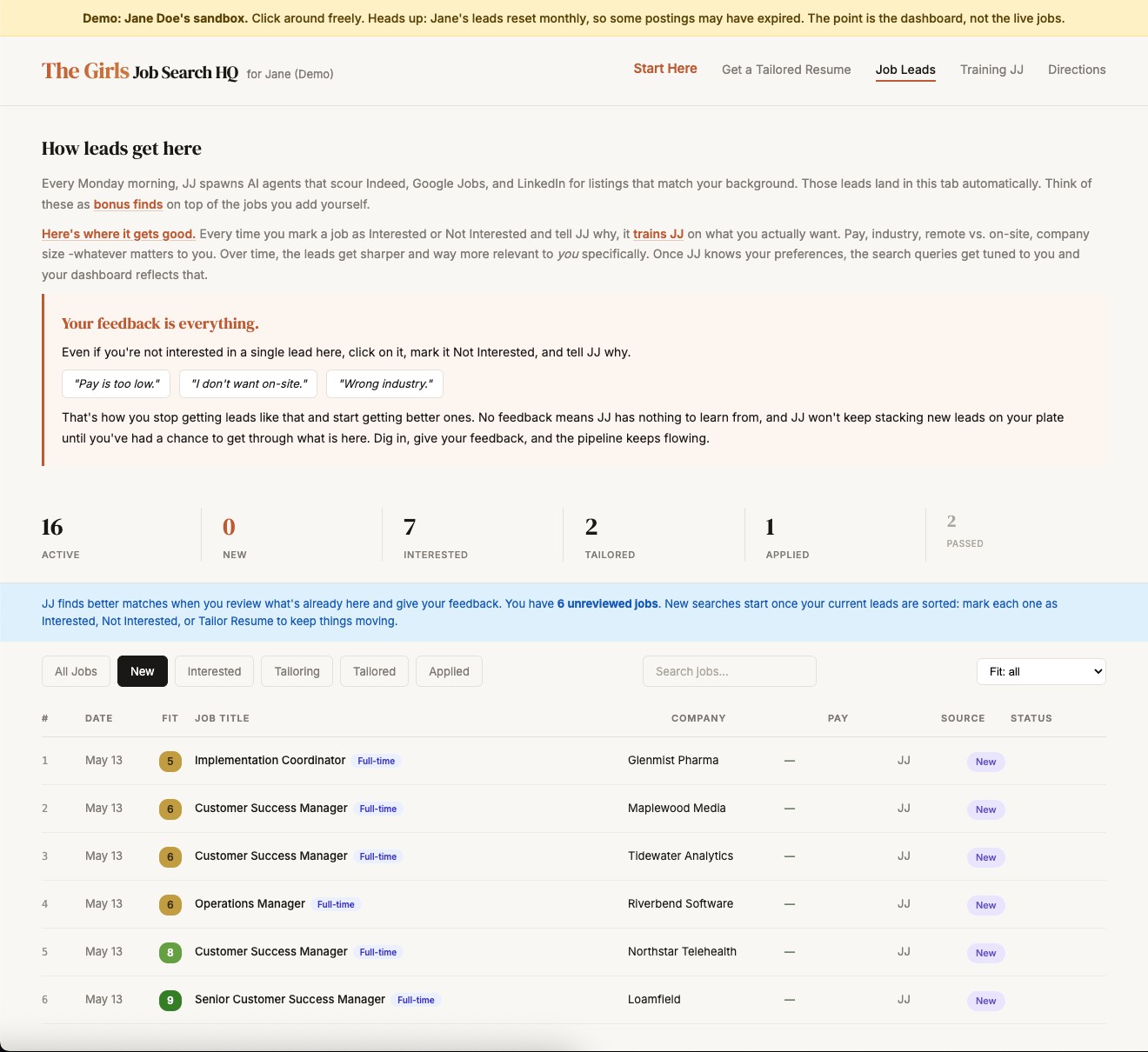
She isn't a tech person, so every design decision was filtered through one question: would she know what to do here without me explaining it?
If a screen wasn't immediately obvious, I redesigned it until it made sense.
Two More Friends Needed the Same Thing
Two other women from the same workplace were also currently job searching.
Instead of building three separate instances, I restructured the codebase so one platform could serve all of them securely.
Each person received their own site with their own data, job leads, resume tailoring, and private chat history.
Adding a new person to the system takes about fifteen minutes.
The system learns each person individually, remembering what kind of roles they prefer and which experience to emphasize.
Built to Run Without Me in the Room
The onboarding experience had to be clean, because they needed to use the platform without me sitting next to them.
I built an 18-slide guided tour that every user walks through before they reach their main dashboard.
It shows exactly what each section does using screenshots from the live site.
I made sure the copy referenced things they would recognize from working together, keeping it warm and personal rather than reading like a generic software walkthrough.
That tour does the same job a live session with me would do.
It meets them where they are, shows them what matters, and makes them feel like the tool was built specifically for them.
I also included a directions tab that they can use as a refresher on how the system works once they're inside of it.

This part comes from something I learned a long time ago in management.
If you let yourself become the person everyone has to come to for answers, you turn into the bottleneck.
You spend your whole day repeating the same explanations, and nothing else gets done.
So my goal is always the same: set things up so the system is the resource, not me.
The guided tour is that idea in practice.
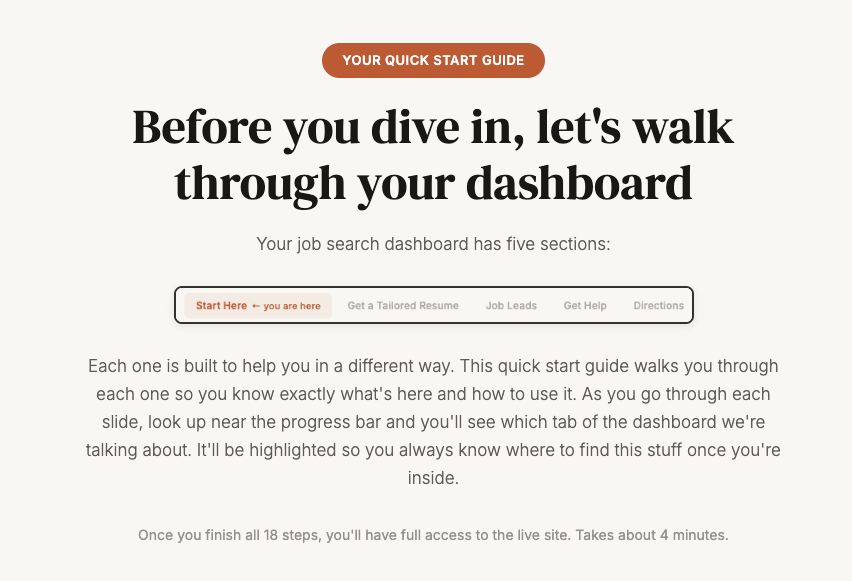
It walks them through all five sections of the dashboard, one screen at a time.
Near the top of each slide, the matching tab lights up so they always know where they are.
You can step through the whole tour yourself if you want to see how it feels.
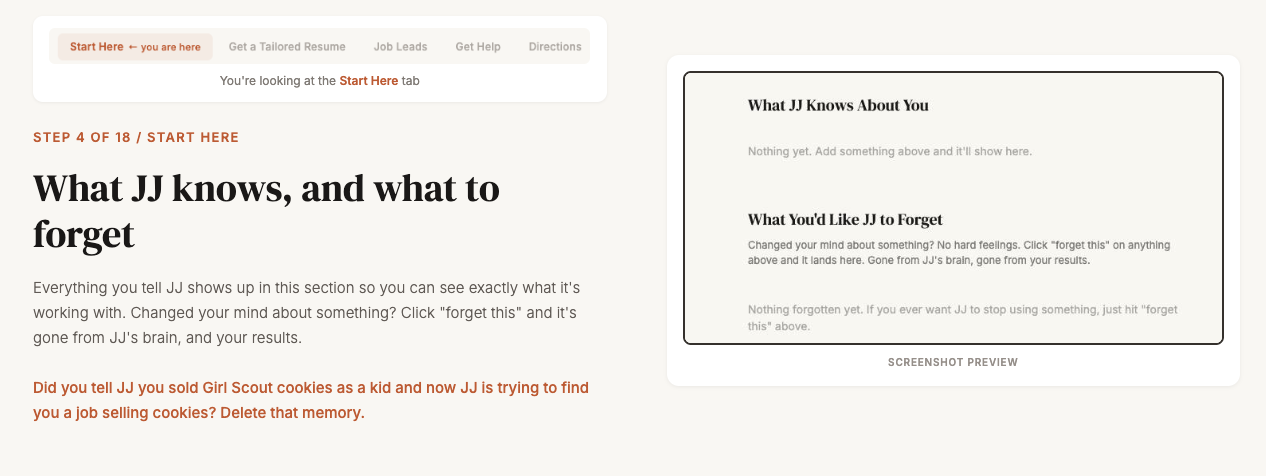
You can see everything JJ knows about you in one place, and remove anything that doesn't belong.
Tell JJ you sold Girl Scout cookies as a kid, and it might start hunting for jobs selling cookies door to door. 😄
One click and that memory is gone.
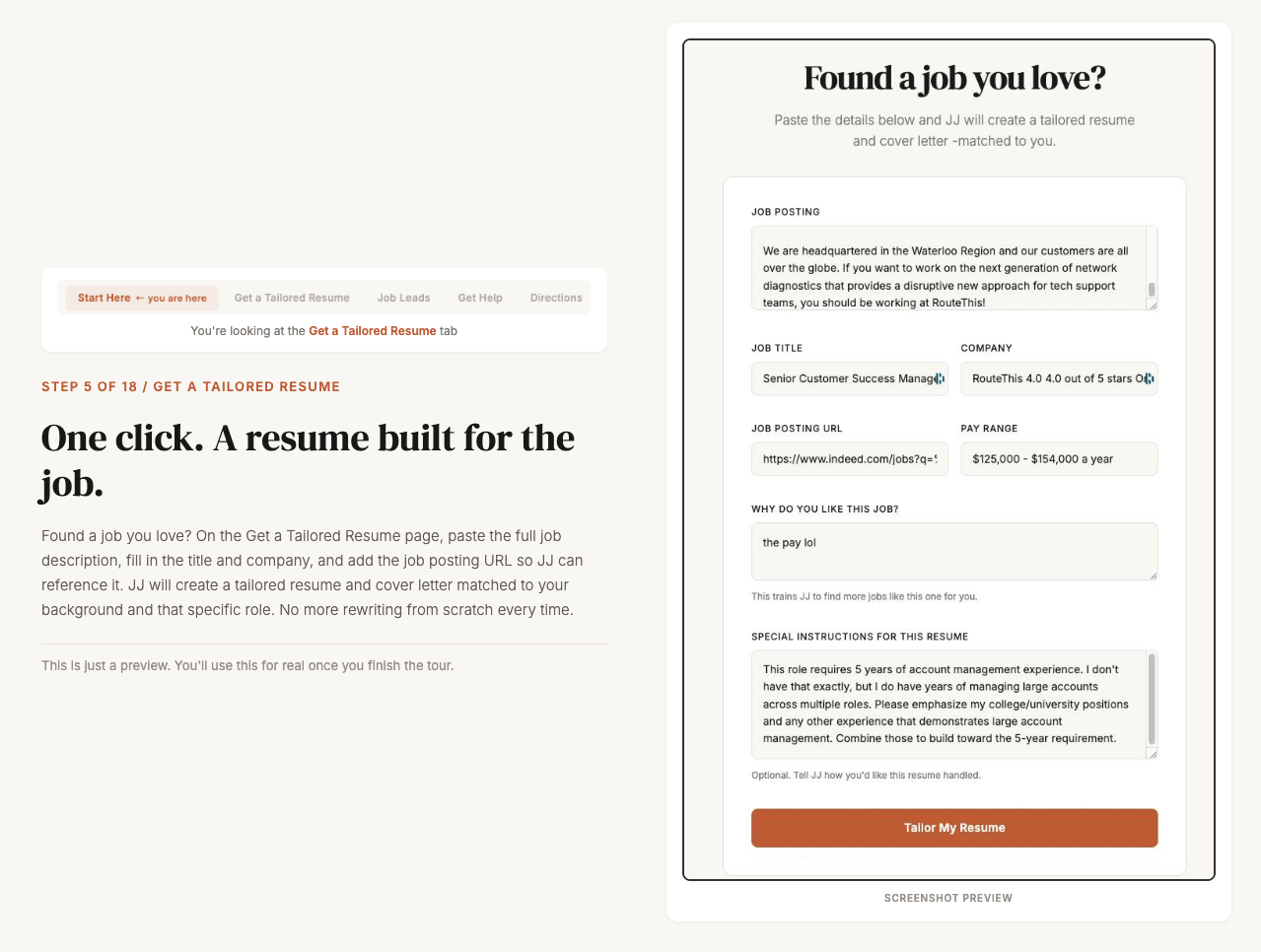
When you find a job you want, you paste in the posting and add any special instructions for that resume.
That's where you can tell JJ how to handle a gap, which experience to lean on, or how to frame a role that is a stretch.
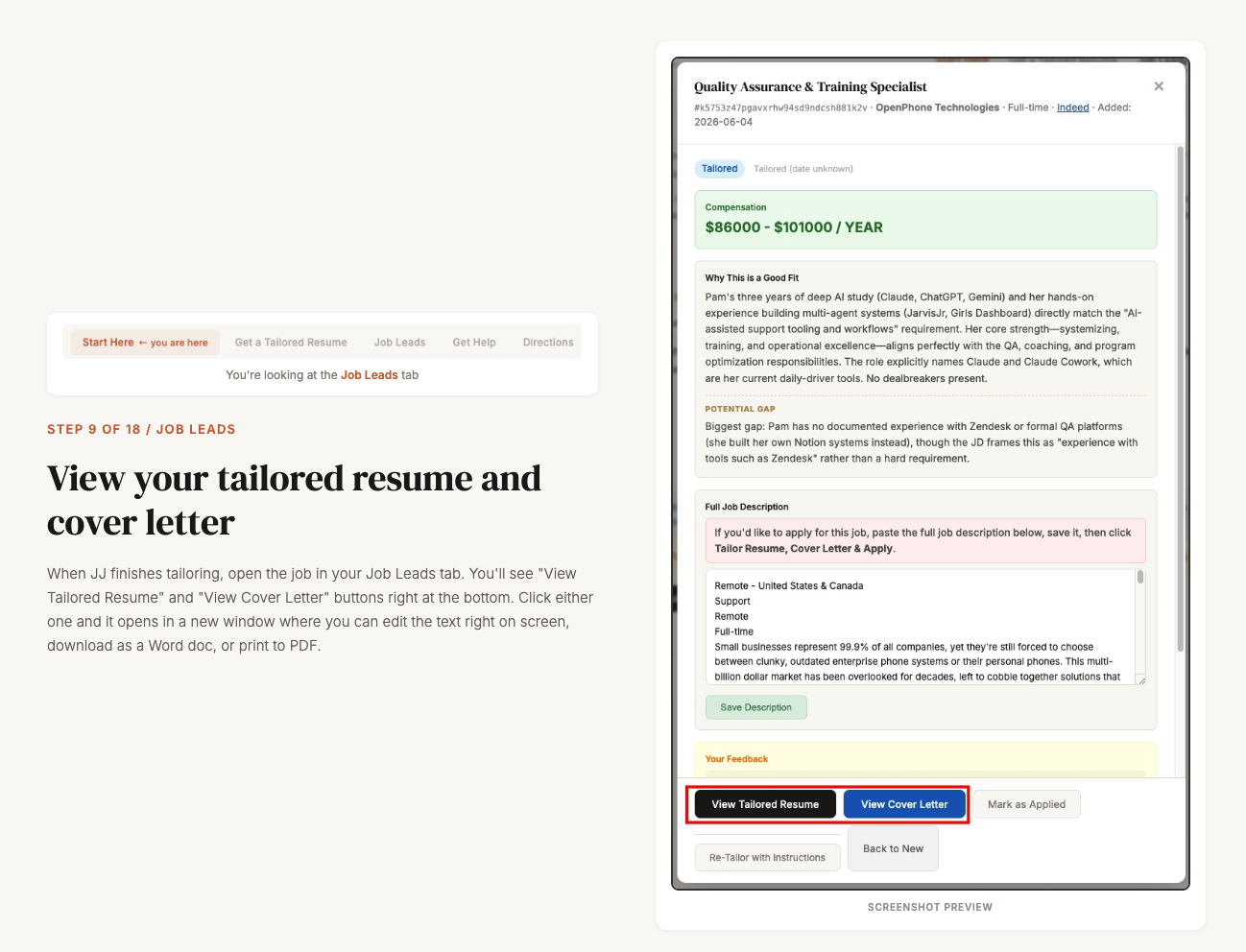
You can open either one and edit the text right there on the screen to take it from "good" to "perfect".
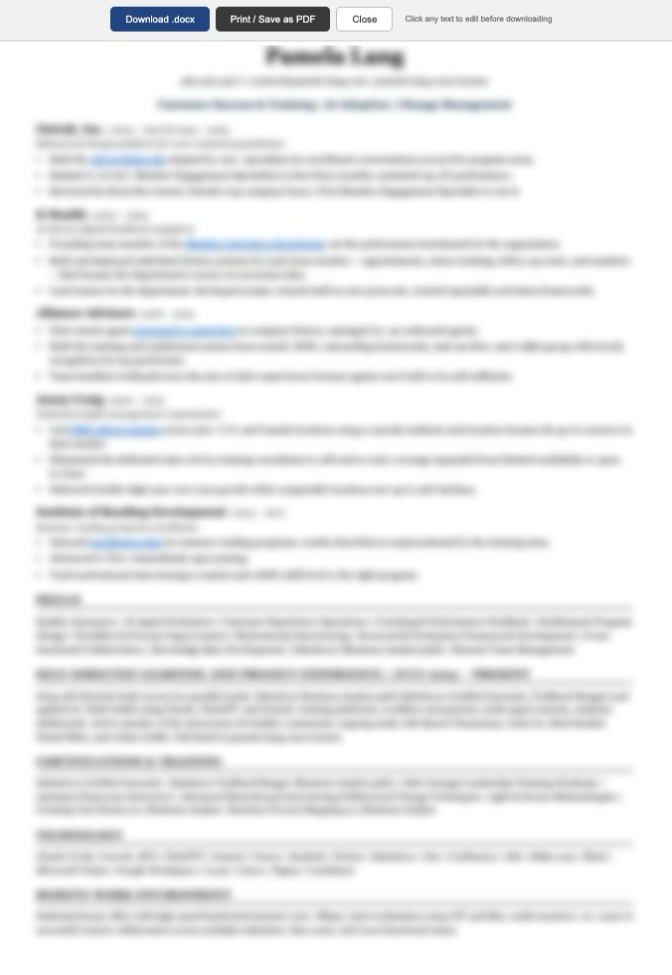
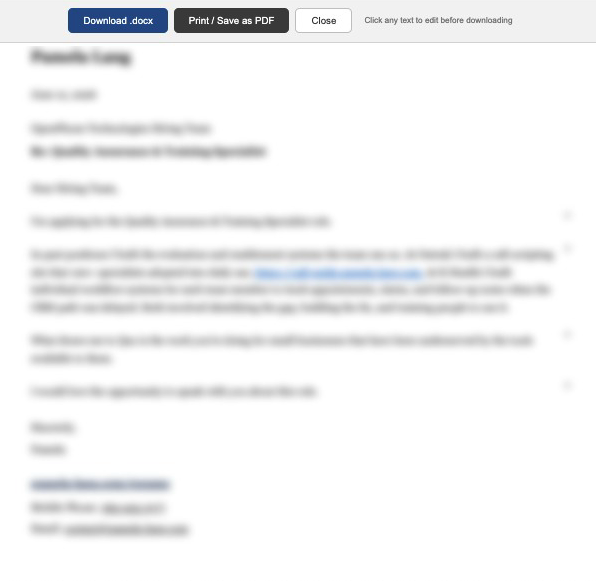
When it looks right, you download it as a Word document or save it as a PDF, straight from the top of the page.
If you ever forget how a piece works, the Directions tab walks you through it again.
What started as one quick favor had turned into something all three of them could use.
By the time I came up for air, the work was done.
From One Email to a Platform
A project like this is when I'm most in my element.
I get completely focused, with a clear picture in my head of how the workflow should feel and what it takes to get it there.
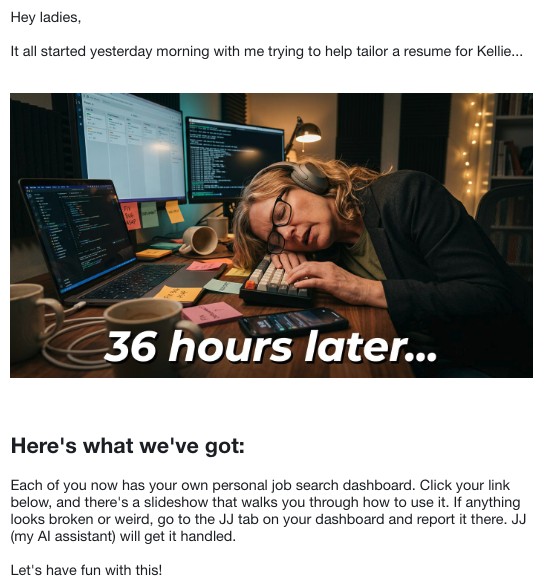
I built the whole thing in about 36 hours.
And yes, I slept in there somewhere.
Once you take out sleep, meals, and time away from the screen, it was closer to 16 hours of actual work.
Jane Doe's sandbox is loaded with sample leads so you can click around the interface without signing up.
If you want to see how the flow works, the demo is open and running at pam-dashboard-seven.vercel.app.